I have never had a 503 but I often get the odd tile or three that do not load despite zoom/repositioning.
1 Like
If you’re using firefox, you can open the tools->browser tools->web developer tools and look under the “network” tab, and you may find that those tiles aren’t loading due to a 503.
1 Like
I will say- this morning the viewer is silky smooth and flying
I’m using Chrome via Apple MacBook FWIW
Chrome’s View->Developer->Developer Tools window → Network tab is very similar
1 Like
503 Service Temporary Unavailable for me!
back
The viewer crashed

pfff in practicality it is nearing the point of no use for what I’m using the viewer for mostly: checking large numbers of objects through CSV file uploads.
It is annoying enough that it simply refuses to load tiles most of the time unless you zoom out & in and wait a while (or click to next object and then back), but often it is the center tile that doesn’t load which ofcourse contains the object of interest…
I’ll be back on Discuss when the viewer is consistently stable, fast and doesn’t stop loading tiles just because
Adios Amigos see you in the future!
1 Like
I think we should investigate further into what causes these crashes/hangs. We don’t have an answer to that question according to @dstn.
Hmm, yes, unfortunately it does seem to be nearing the point of being unusable 
503 service unavailable, back
Unfortunately these days, it seems like there’s problems more often than there’s not. Even when the viewer is up, it doesn’t want to load most of the tiles 
I do want to figure out what’s going on and fix this, but I haven’t had the time recently.
The viewer runs on a Kubernetes cluster (NERSC Spin) that I don’t control, so figuring out what’s going on and fixing it is not trivial.
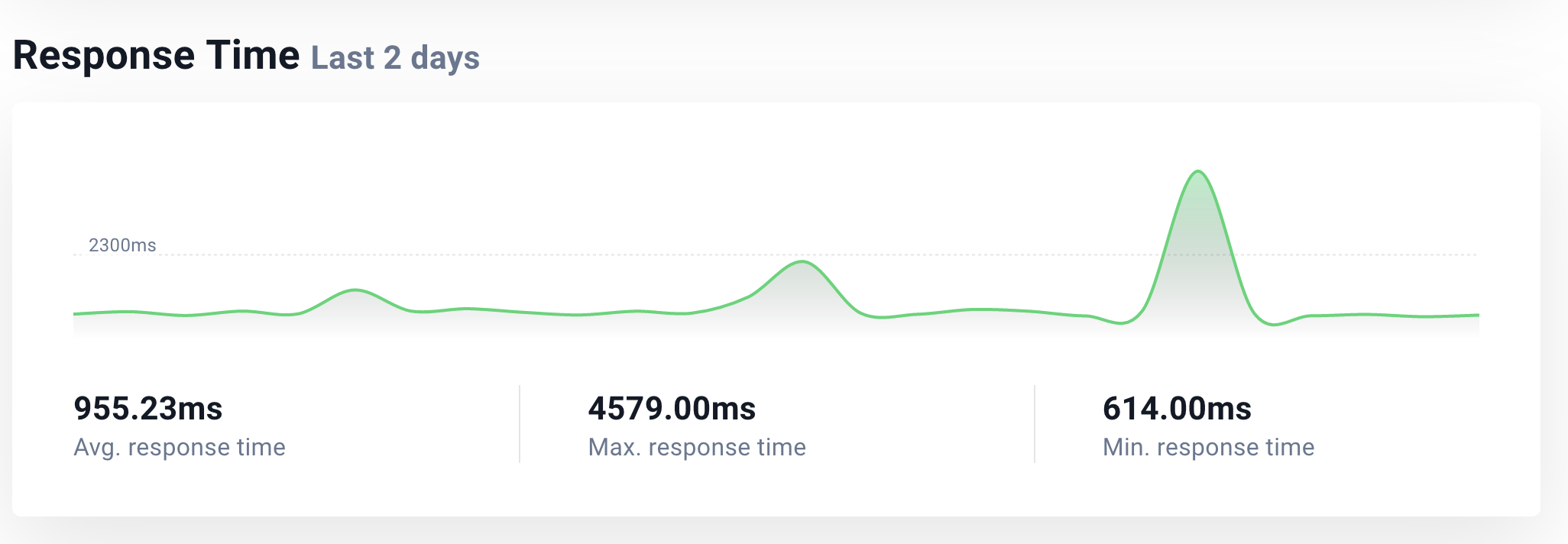
I am surprised to hear you are experiencing tiles failing to load. What I have seen is basically either working fine or extremely slow / totally broken / page load shows 503 or tile loads show 503. I haven’t really experienced a state where some tiles fail to load, except when the status page indicates an issue.
cheers,
dustin
1 Like
This happens usually when using csv files for a custom object layer. Most of the times I dump around 300-500 objects so its not that big of a sample
What happens is I click on next object and then a lot of the time one or two tiles either take much longer to load, or just don’t load. Ghat is unless I ‘reactive’ the area by either clicking on the next object and back or zoom out - zoom in. But even tgen it may take awhile for the final tile(s) to load
And usually it is the tile covering the central object I want to rapidly check so the time it takes to move through object lists heaps up enormously
Didn’t want to get sour on here so took a little break 
What browser? Can you use developer tools or web console or whatever to see what is happening to the slow tile – is it getting an error message, or just taking a long time? I thought that the Leaflet front-end used by the viewer requests the central tiles first, so this “pessimal” behavior you are seeing is not expected.
cheers,
dustin
1 Like
Oh I have no idea, I’ll have to try and experiment to see what info I can get, not experienced with that
Browser is Firefox
PS, I’m not doubting your experience or anything just hoping to get any extra information I can get to help investigate what’s happening.
2 Likes
If it’s any help I’ve experienced the same tile-loading issues without any csv-file use and on safari and chrome too